

Memory browser
reflect serve starts a small local web app over your markdown knowledge base. Use it to browse memories, check what recall has to work with, view the entity graph, and make reversible curation edits. It uses only the Python standard library plus PyYAML, so the slim install is enough (no [graph] extra needed).
Start it
Section titled “Start it”reflect serve # http://127.0.0.1:8377, KB at $GLOBAL_LEARNINGS_PATH or ~/.learningsreflect serve --port 8942 # pick a portreflect serve --repo /path/to/kb # browse a specific KBOn start it prints the KB path and the listening address. Stop it with Ctrl-C. For a long-running instance, run it in a tmux session.
| Flag | Default | Meaning |
|---|---|---|
--host |
127.0.0.1 |
Bind address. Keep it on loopback: there is no authentication and curation edits your KB. |
--port, -p |
8377 |
TCP port. |
--repo PATH |
$GLOBAL_LEARNINGS_PATH, else ~/.learnings |
KB directory to browse. Must exist. |
The command is also listed in the CLI reference.
The top bar has a search box, six tabs and a light/dark toggle (your choice is remembered in the browser). Press Esc to close the detail drawer.
| Tab | What it shows |
|---|---|
| Memories | Faceted card list. Sidebar facets: confidence, type, scope, tags and projects. Sort by newest, recall score or title. |
| Timeline | Memories grouped chronologically. |
| Superseded | superseded_by chains, newest tip to oldest ancestor. |
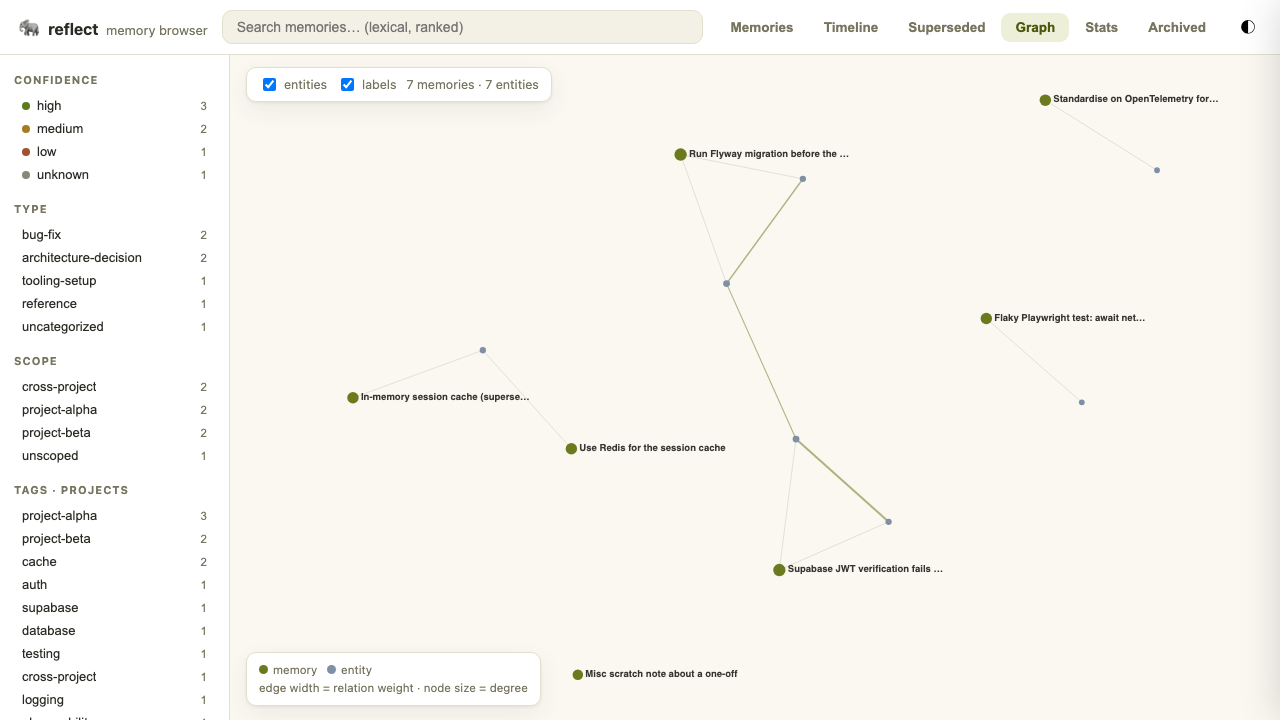
| Graph | Two-layer force graph of memory nodes and entity nodes. Edge width encodes the graphml relation weight. Toggle the entity and label layers, drag nodes, pan, zoom, and click a memory to open it. |
| Stats | Confidence, type, scope and tag distributions, plus counts of engine operations from metrics.jsonl. |
| Archived | Soft-archived notes, with a restore action. |
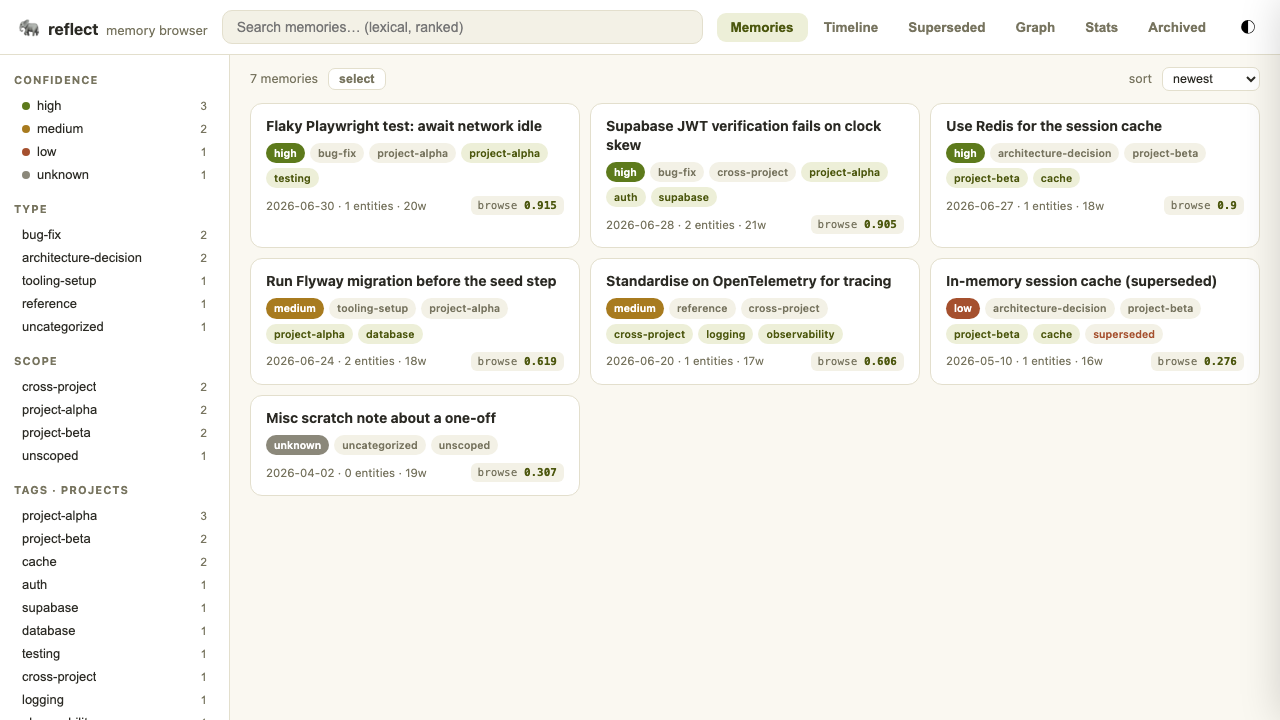
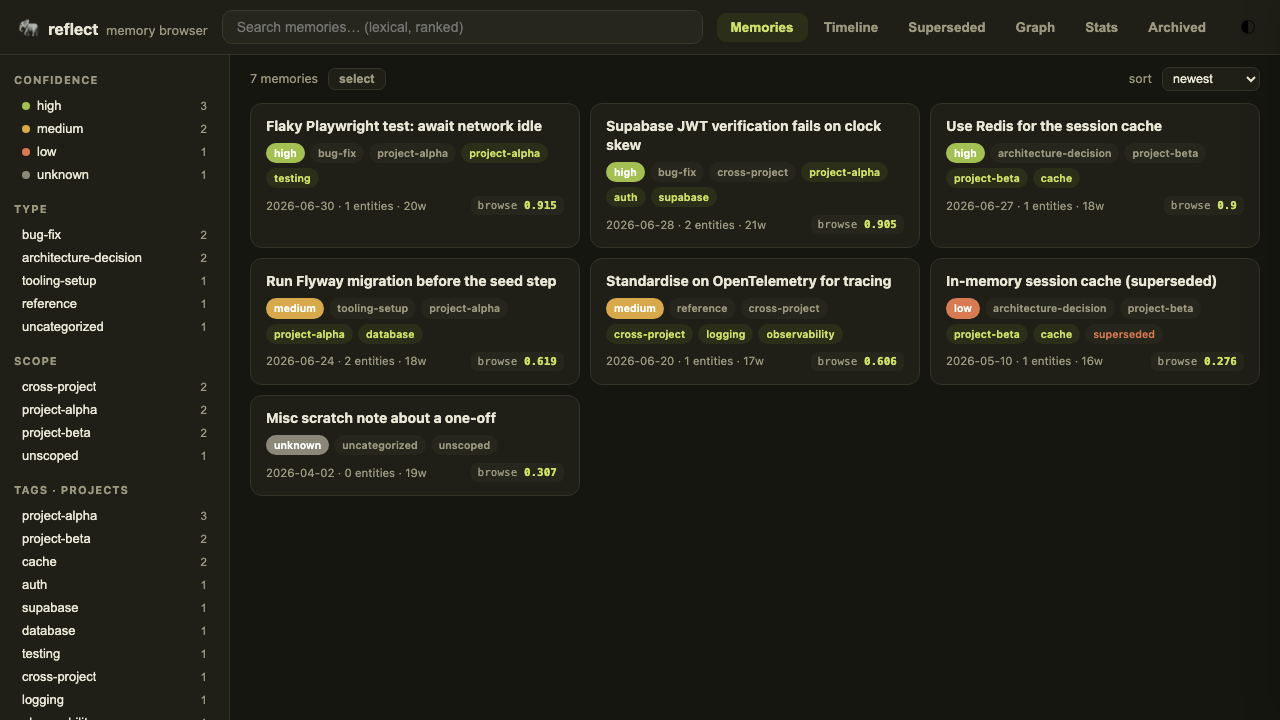
Search and the browse score
Section titled “Search and the browse score”The search box does lexical BM25-style ranking over title, tags and body. Each result carries a match_score and a browse_score.
Detail drawer
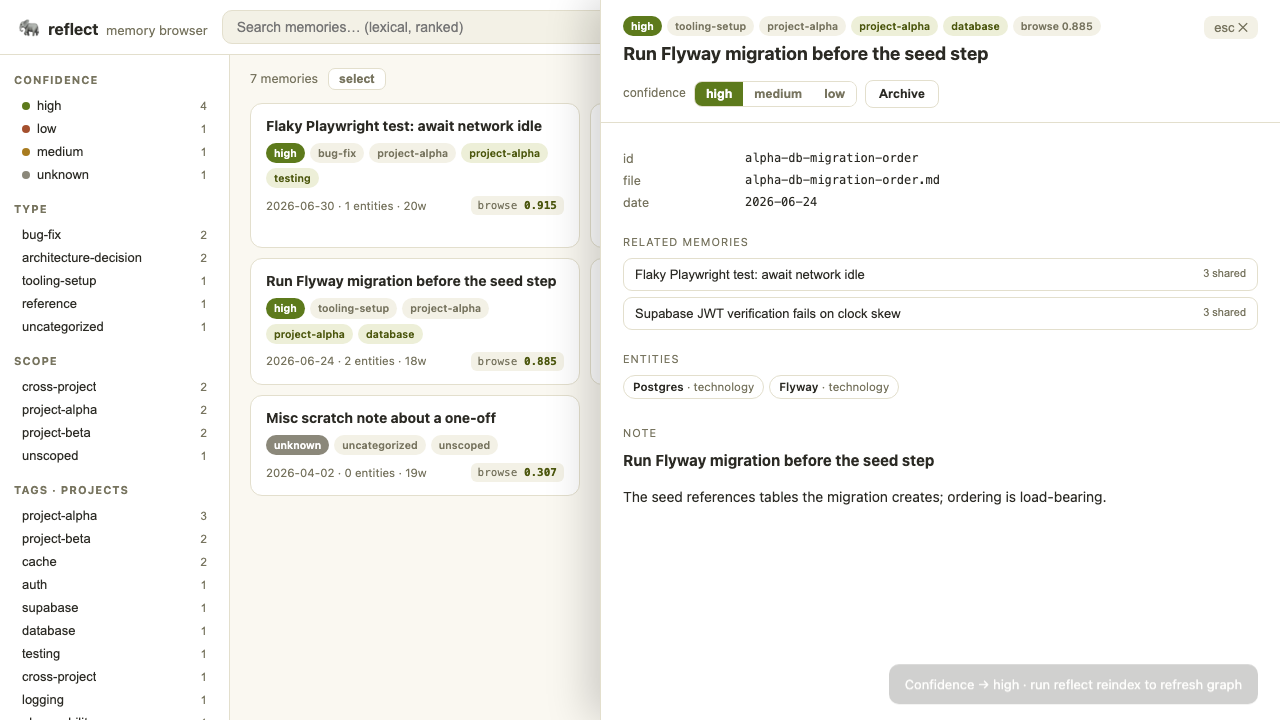
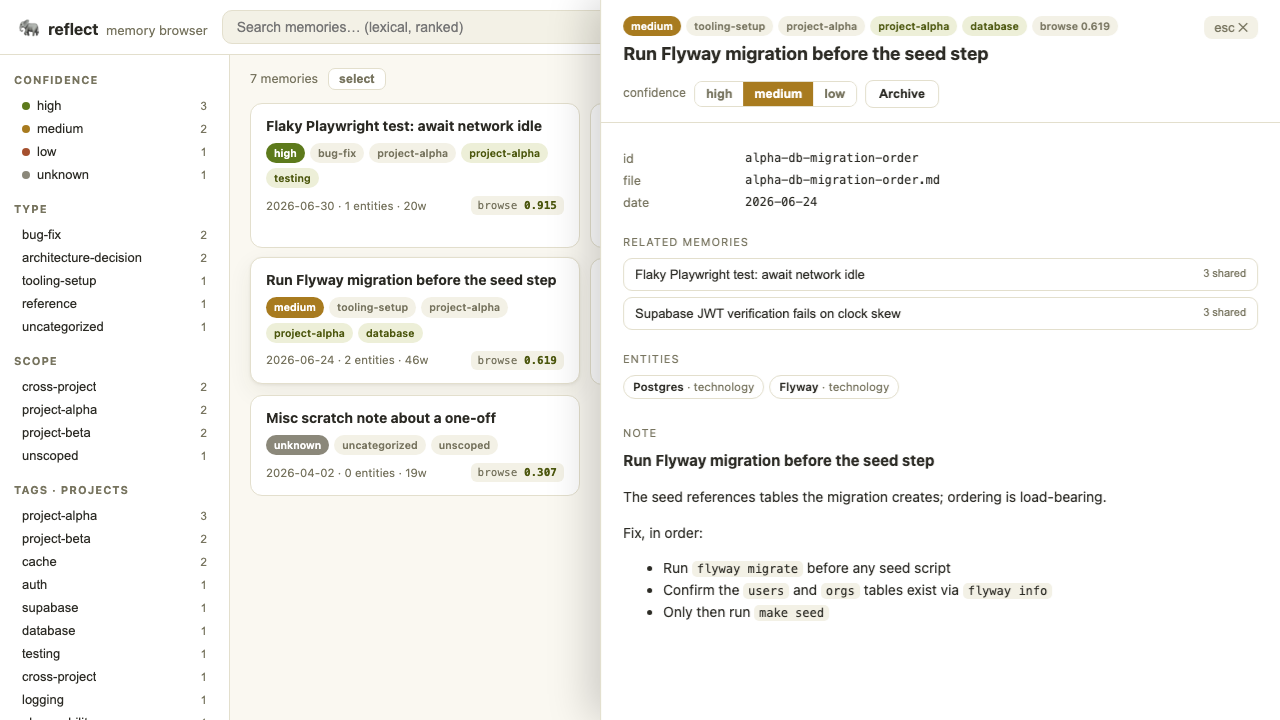
Section titled “Detail drawer”Click a card to open its drawer: frontmatter fields, related memories (with shared-tag counts), extracted entities, and the note body. Bodies render through a small built-in markdown subset (headings h1 to h3, fenced code, blockquotes, flat bullet lists), with no external library.
Superseded chains
Section titled “Superseded chains”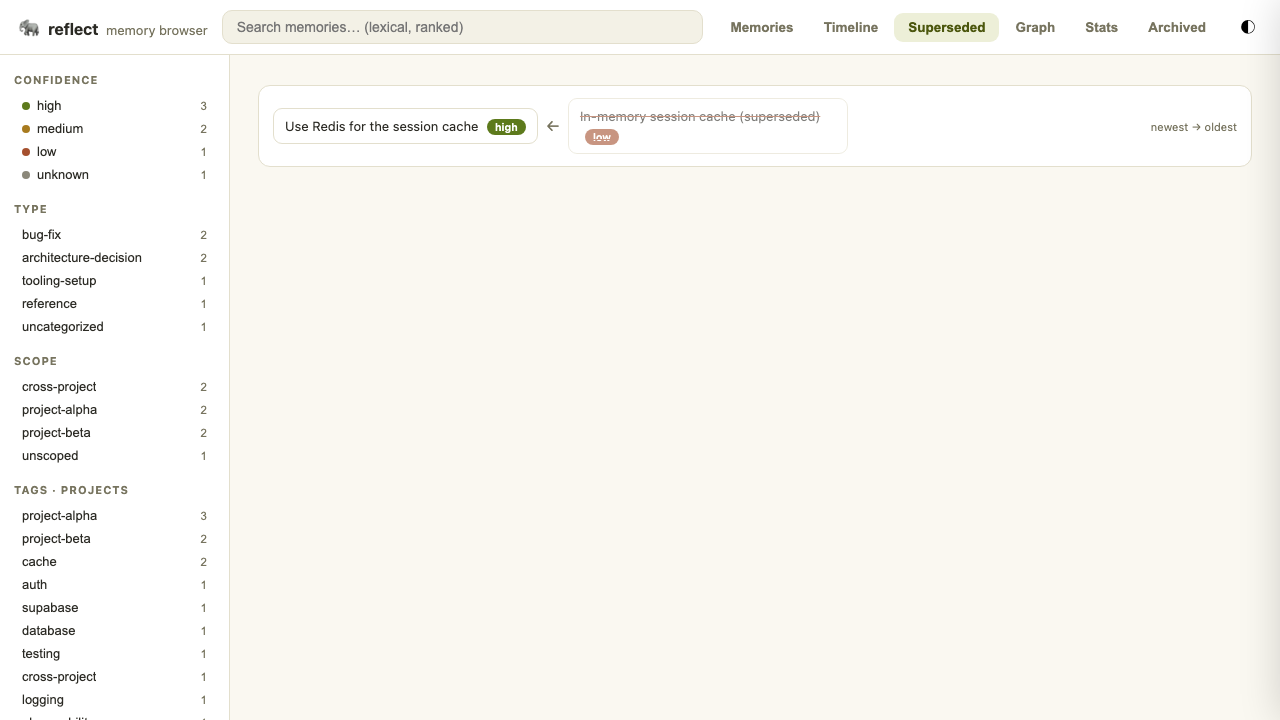
Curation
Section titled “Curation”Curation is live and edits your local markdown KB. It is metadata-only: note bodies stay agent-authored.
| Action | How | What happens on disk |
|---|---|---|
| Edit confidence | Segmented control (high, medium, low) in the drawer | Rewrites the confidence: frontmatter line atomically. |
| Archive | Archive button in the drawer | Moves the note and its .entities.yaml sidecar from documents/ into archived/ under the KB root. Reversible. Also removes the note from any pending compress group. |
| Restore | Archived tab | Moves the note and sidecar back into documents/. |
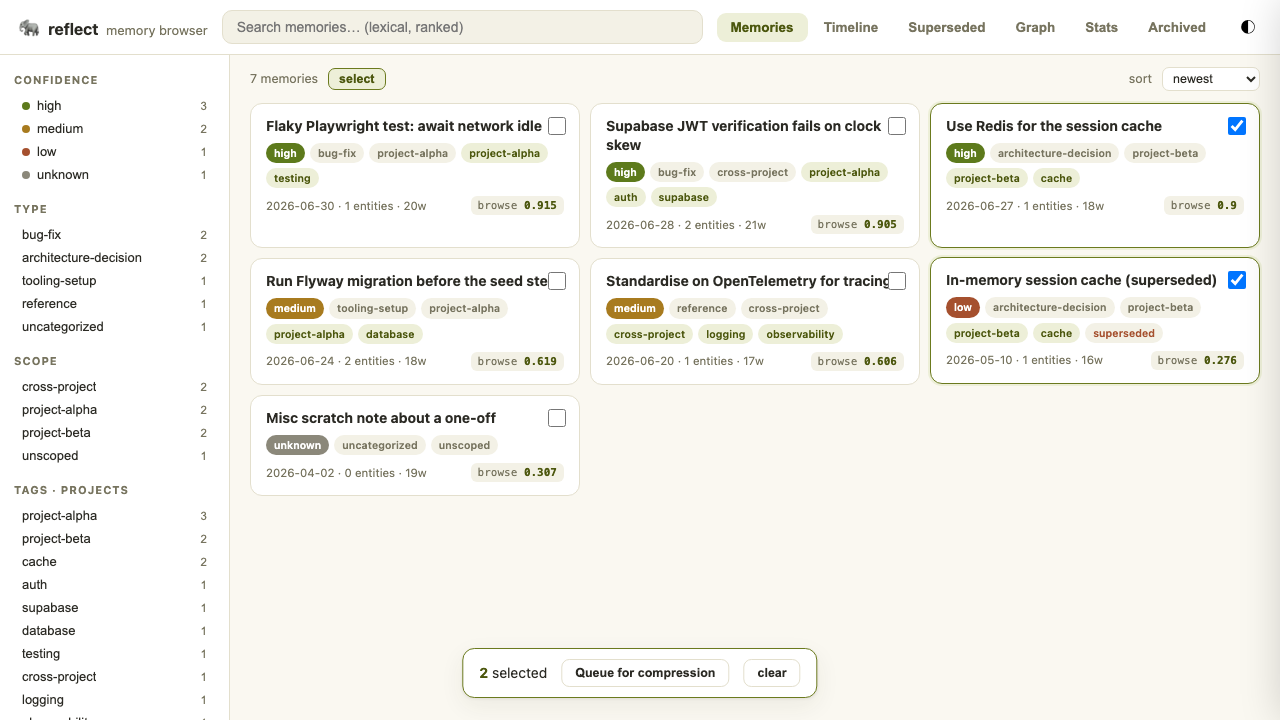
| Queue for compression | Click select, tick two or more memories, queue them | Appends a group to compress-queue.yaml in the KB root. |
There is no hard delete. Archiving here is separate from the forget sweep’s .forgotten/ directory, which the sweep manages with its own database accounting. Archiving in the browser does not run the sweep or touch its records.
The compress queue
Section titled “The compress queue”The queue file is plain YAML:
version: 1groups: - ids: [alpha-db-migration-order, alpha-flaky-playwright] queued_at: "2026-06-30T09:12:00+00:00" status: pendingThe web app never calls an LLM. It only records which notes you want compressed. The reflect plugin in this repository does not read compress-queue.yaml itself, so treat the file as a hand-off for your own consolidation workflow (for example, point the /reflect:consolidate skill at the listed ids).
After curating: reindex
Section titled “After curating: reindex”Edits are file-first and the browser reloads immediately. The nano-graphrag cache behind reflect search is not rebuilt synchronously, because the engine only supports a full-batch reindex. After archiving or changing confidence, run:
reflect reindexUntil then, reflect search graph and naive modes may still return an archived note. Notes leave the file-based recall corpus as soon as they leave documents/. The UI shows a toast reminding you (“run reflect reindex to refresh graph”).
Security model
Section titled “Security model”┌──────────────┐ Host: 127.0.0.1 / localhost / [::1] ┌──────────────┐│ Browser SPA │───────────────────────────────────────▶│ reflect serve││ same origin │ POST needs header X-Reflect │ 127.0.0.1 │└──────────────┘ └──────────────┘ evil.com page ──▶ Host: evil.com ──▶ 403 (DNS rebinding blocked) cross-origin POST ──▶ no X-Reflect ──▶ 403- Every request is rejected with 403 unless its
Hostheader is loopback (127.0.0.1,localhost,[::1]). This defeats DNS rebinding. - Every mutation (
POST) additionally requires anX-Reflectheader, so only the bundled same-origin app can drive curation. A cross-origin page cannot set that header without a CORS preflight, which the server does not grant. - There is no authentication. Do not bind
--hostto a public interface. - Curation acts on the local markdown KB only. The server has no Postgres code path.
Reaching it from another machine
Section titled “Reaching it from another machine”The server never leaves loopback, and because it rejects non-loopback Host headers, a reverse proxy that forwards the original Host (for example tailscale serve to a tailnet name) is refused with 403. The reliable way is an SSH tunnel, which keeps the Host header as localhost:
ssh -L 8377:127.0.0.1:8377 your-host # then open http://localhost:8377 locallyJSON API
Section titled “JSON API”The UI is a single static page over a small JSON API. Handy for scripts that only read. See the serve API reference for the full list.
curl -s http://127.0.0.1:8377/api/statscurl -s 'http://127.0.0.1:8377/api/search?q=redis'End-to-end coverage lives in tests/e2e/ (Playwright). The suite launches reflect serve against a fresh copy of tests/e2e/fixture-kb, never your real KB, and drives browse, search, graph, timeline, superseded, archive and restore, compress, weightage displays, theme and security checks. It runs in CI on every pull request.
cd tests/e2e && npm install && npx playwright install chromiumnpx playwright testSource: src/reflect_kb/serve.py and src/reflect_kb/cli/serve_cli.py. If something misbehaves, see troubleshooting.